How to rebuild your website without losing search traffic or trust
A redesign does not have to cost rankings or clients. Map every old address, redirect it properly, protect speed and trust, and watch the data after launch.
Key takeaways
- Traffic usually falls after a rebuild because addresses change without proper redirects, content is dropped, crawling stays blocked or pages get slower.
- Map every valuable old URL to its closest new page and use server-side 301 redirects, kept in place for at least a year.
- Treat speed, accessibility and visible company details as launch requirements, not improvements for later.
- Expect some fluctuation: Google says a small to medium-sized site can take a few weeks for most pages to move.
A new website is often overdue: an ageing theme, a rebrand, or two companies that now need one site. The risk is that launch day undoes years of work. Pages that ranked vanish, bookmarked links break and clients wonder whether they are in the right place.
It does not have to. Google publishes detailed guidance on moving a site, covering changed page addresses, new domain names and merged domains[1]. Its troubleshooting section lists the common mistakes, and each one can be caught before launch.
Why traffic drops after a rebuild
The damage usually comes from five places.
- Changed URLs with no redirect. Old links lead to errors. Google says it frequently sees people “redirecting to the wrong (non-existent) URLs on the new site”[1].
- Lost content. Pages that brought in enquiries are cut without checking what they ranked for.
- Blocked crawling. Development settings that kept search engines out are left on. Google’s list of common mistakes starts with forgotten
noindexrules and robots.txt blocks[1]. - Slower pages. Heavier templates and scripts make the new site worse to use.
- Too much change at once. Google warns that combining a move with a redesign of content and URL structure means “you will probably see some traffic loss as Google might need to relearn and reassess the individual pages”[2].
That last point should shape the project. Google advises planning changes “one after the other, not everything at the same time”[1], and says keeping the same site architecture “helps to pass the signals more directly to the new site”[2]. If you cannot separate the steps, keep as many addresses unchanged as you can.
Map every old address before you design
Build the inventory
Start with every URL worth keeping. Google suggests checking your sitemaps, your most visited pages in analytics or server logs, the Links to your site report in Search Console, and the page list your content management system can export[1]. Keep a list of sites that link to you, so you can ask the most valuable ones to update their links after launch[1].
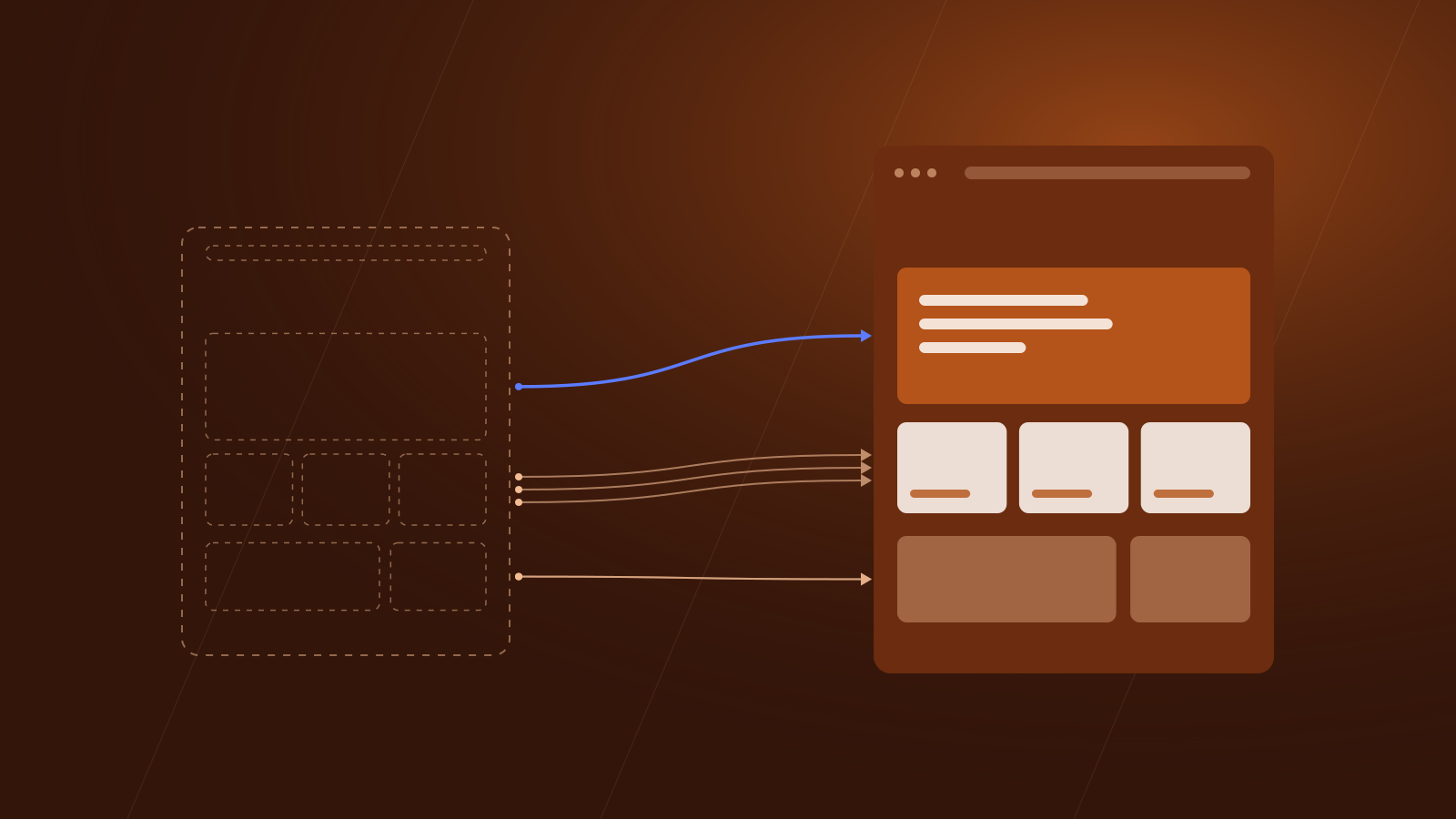
Then give every old URL its closest equivalent on the new site. This spreadsheet is the most important document in the project.
Choose the right redirect
Google recommends permanent server-side redirects, such as 301 or 308, calling them “the best way to ensure that Google Search and people are directed to the correct page”[3]. Avoid JavaScript redirects where you can: if rendering fails, “Google might never see it”[3].
Google’s site move guide adds four rules[1]:
- Redirect straight to the final page. Googlebot can follow up to 10 hops, but Google advises keeping any chain “ideally no more than 3 and fewer than 5”.
- Don’t send many old URLs to one irrelevant page, such as the new home page. This “might be treated as a soft 404 error”. Merged content can redirect to the new combined page.
- If content is genuinely gone, let the old URL return a 404 or 410 status.
- Keep redirects “for as long as possible, generally at least 1 year”.
The reassuring part: “301 and other permanent redirects don’t cause a loss in PageRank”[1].
Keep what Google already understands
Redirects carry signals across. The pages they point to still need to deserve them.
Content. Move the substance of pages that perform, not just their headings. Cut pages deliberately, with a redirect or a 404.
Titles. Google calls the title link “often the primary piece of information people use to decide which result to click”, and asks for a descriptive, concise <title> on every page[4]. New templates often reset titles to a default, so check them.
Canonical and language tags. Each new URL should carry a self-referencing canonical tag, and any hreflang annotations must point to the new addresses[1].
Structured data. Carry over any markup for articles, events, products or the company, and test it. Organization structured data on the home page can help Google “better understand your organization’s administrative details”[5].
Internal links. Point menus, footers and in-text links at the new addresses rather than leaning on redirects, which Google notes “are slow for users”[1].
Make the new site at least as fast as the old one
Google measures real-world experience through three Core Web Vitals. For a good experience, it suggests Largest Contentful Paint within 2.5 seconds, Interaction to Next Paint under 200 milliseconds and Cumulative Layout Shift below 0.1[6]. It highly recommends achieving good scores “for success with Search and to ensure a great user experience generally”[6].
Search Console’s Core Web Vitals report uses field data from real visitors, and describes each group of pages by the value that 75% of page requests met over the last 28 days[7].
Keep it in proportion: Google “always seeks to show the most relevant content, even if the page experience is sub-par”; page experience helps where lots of helpful content competes[8].
The commercial case matters more to most firms. A 2020 Deloitte study, commissioned by Google, found that a 0.1 second improvement in mobile site speed was linked to an 8.4% rise in retail conversions and 10.1% in travel conversions[9]. It is a single study funded by Google, so treat the figures as indicative.
Record the old site’s scores before launch, then test new templates with PageSpeed Insights, which Search Console’s help suggests for individual pages[7].
Build trust into the design
A rebuild is a chance to answer a cautious client’s first questions: who is behind this, and can I reach them? Google’s guidance on helpful content names experience, expertise, authoritativeness and trustworthiness, and says “trust is most important”[10]. It asks whether it is “self-evident to your visitors who authored your content”, pointing to author pages and an About page[10]. For a company, that means named leadership, a real address, phone number and email. Organization markup can repeat those details for search engines; Google recommends adding as many relevant properties as you can[5].
Security matters too. Google’s page experience checklist asks: “Are your pages served in a secure fashion?”[8]. Serve every page and form over HTTPS, and test each form end to end, including where the data arrives.
Accessibility belongs in the brief from day one. The current standard is WCAG 2.2, published in October 2023 and updated in December 2024, and W3C encourages using the latest version[11]. For the European Accessibility Act, W3C notes that most organisations use WCAG with the European standard EN 301 549, whose 2026 version uses WCAG 2.2[11]. W3C’s Easy Checks offer a quick first review, from contrast to keyboard access and form labels, and remind us that “Many people cannot use a mouse and rely on the keyboard to interact with the Web”[12]. A site can pass them “yet still have significant accessibility barriers”, so treat them as a minimum[12].
Let your team edit without breaking things
Well-meaning edits damage many sites after launch. Agree a simple workflow before go-live:
- Drafts. Editors work in unpublished versions, never on the live page.
- Review. A second person approves changes to key pages, titles and navigation.
- Staging. Larger changes are tested on a private copy first.
- Redirects. Whoever changes a page address adds the redirect in the same step.
Google notes that some owners block all crawling during development, and advises preparing the live robots.txt, plus a list of pages to remove noindex from, before the move starts[1]. Staging blocks must never reach the live site.
Launch day and the weeks after
Around launch, work through four steps[1]:
- Verify the old and new sites in Search Console, including every variant, such as www and non-www.
- Switch on redirects and test them: the URL Inspection tool for single pages, scripts for long lists.
- Submit the new sitemap, which Google says helps it learn about the new URLs.
- Check that hosting can cope, because Google will crawl the new site more heavily than usual.
When the domain changes
If your pages move to a different domain or subdomain, as often happens in a rebrand or merger, use Search Console’s Change of Address tool once redirects are live. It is not needed for HTTP to HTTPS moves, www changes or path changes on the same domain[1]. You must own both properties, and the old home page must 301 to the new one[2]. The tool’s effects continue for 180 days, and Google recommends paying for the old domain for at least a year so nobody can buy it and use it maliciously[2].
What to watch
Watch the indexing report for old URLs falling and new ones rising, the Sitemaps report for how many new URLs are indexed, and search queries for impressions and clicks moving to the new site[1]. Check server logs for errors, and update profile links and ad campaigns still using old addresses[1].
How long recovery takes
Google says visibility “may fluctuate temporarily during the move”, calls this normal, and says rankings “will settle down over time”[1]. As a general rule, “a small to medium-sized website can take a few weeks for most pages to move, and larger sites take longer”[1]. Set expectations with the board before launch, so an early dip does not trigger rushed decisions. A drop that persists well beyond that window deserves investigation.
A launch checklist
- Every old URL with traffic or inbound links has a mapped destination and a tested 301 redirect, planned to stay for at least a year.
- There are no redirect chains or bulk redirects to the home page, and removed pages return 404 or 410.
- Development blocks are gone: robots.txt allows crawling and no live page carries a stray
noindex. - Titles, canonical tags, hreflang and structured data have been checked on every template.
- Menus, footers and in-text links point directly to the new URLs.
- Key templates meet Google’s thresholds in testing: LCP within 2.5 seconds, INP under 200 milliseconds, CLS below 0.1.
- About and contact pages show who runs the company, and every form works over HTTPS.
- A keyboard-only run through the main journeys, plus W3C’s Easy Checks, finds no blockers.
- Both sites are verified in Search Console, the new sitemap is submitted and, if the domain changed, Change of Address is filed.
Put it into practice
Want help rebuilding your website without losing traffic?
Leave your details and we will get in touch to talk it through.
Sources 12
- How to move a siteGoogle Search Central, 2026-08-20
- Change of Address toolGoogle Search Console Help
- Redirects and Google SearchGoogle Search Central, 2026-04-14
- Influencing your title links in search resultsGoogle Search Central, 2025-12-10
- Organization (Organization) structured dataGoogle Search Central, 2026-09-08
- Understanding Core Web Vitals and Google search resultsGoogle Search Central, 2025-12-10
- Core Web Vitals reportGoogle Search Console Help
- Understanding page experience in Google Search resultsGoogle Search Central, 2026-09-22
- Milliseconds Make MillionsDeloitte Ireland (commissioned by Google), 2020-03-24
- Creating helpful, reliable, people-first contentGoogle Search Central, 2026-10-05
- WCAG 2 OverviewW3C Web Accessibility Initiative, 2026-09-17
- Easy Checks: A First Review of Web AccessibilityW3C Web Accessibility Initiative, 2023-08-09
About the authors
 Co-authorSavvas AgathangelouEditor-in-Chief, Business & Economy Media Executive, Trust and Reputation Specialist
Savvas Agathangelou is a business and economy media executive and a trust and reputation specialist. He helps companies earn trust where it is now decided: with their audiences and with Google, ChatGPT, Claude and the other AI systems that increasingly describe them, starting from what a company can prove and how that evidence is published. He founded Cyprus Business Review, co-founded The Luxury Playbook and advised on Google Ads and communications on behalf of Google EMEA. A speaker at the Cyprus Diaspora Forum and a CYDIA Awards 2026 nominee in Marketing and Media, he is editor-in-chief of the Unita Media blog.
 Co-authorChrysanthos AgathangelouMarketing Specialist, Media, PR, AI Visibility and Strategy
Chrysanthos Agathangelou is Unita Media's marketing specialist for media, PR, AI visibility and strategy: the work of making a business easy to find, easy to quote and easy to trust. He came to it from performance marketing and analytics, where every campaign is judged on results, and brings the same discipline to reputation: a clear objective, the right placements and the numbers to show what worked. He has worked with brands across Cyprus and with trading and AI companies internationally, and co-writes Unita Media's practical guides on press, spokespeople, podcasts, video and visibility in AI search.
 Published by Unita Media
The platforms named in this article are part of the Unita Media group, and we built their websites.
For information only, not legal, financial or investment advice. Spotted something out of date? Tell us and we will correct it.