How to write a video script people watch to the end
Viewers leave when a video wanders. A timed script that keeps its promise, reads well aloud and plans captions, metadata and disclosures is the cheapest fix.
Key takeaways
- YouTube's intro measure is the share of viewers still watching after 30 seconds, so open with the promise your title made and keep it.
- Put voiceover, visuals, graphics and sound on separate labelled lines with timings, so the editor, voice artist and reviewer work from one document.
- Write for the ear and for sound-off viewers: short spoken lines, key points on screen, captions built from the script and checked by a person.
- For financial promotions, script the risk warning on screen while the promotion runs, as the FCA expects, not only in the caption or on the end card.
Video has become a standard line in the marketing budget, and so has the question of whether it works. When a video underperforms, the usual response is to spend more on production. That rarely fixes the real problem. A video that wanders, buries its point or promises one thing and delivers another loses people however good it looks.
That problem is settled before anyone presses record, in the script, which is also the cheapest place to fix it. Changing a line in a document takes minutes; changing it after a shoot takes a day of editing or a reshoot.
This guide covers structure, writing for the ear and a layout that an editor, a voice artist and a compliance reviewer can all work from, plus captions, metadata and disclosure rules.
Why the script decides whether video pays
Wyzowl’s Video Marketing Statistics 2026 found that 91% of businesses use video as a marketing tool, and that 63% of consumers would most like to learn about a product or service by watching a short video[1]. In the same survey, 71% of respondents said videos of 30 seconds to two minutes are the most effective[1].
Read those figures with care. The survey covered just 266 respondents in late 2025, split between marketers and consumers, and Wyzowl sells video production[1]. Treat it as a signal, not proof. It does suggest the bar is high: when almost every competitor makes video, viewers are choosing between yours and the next one.
What YouTube says about retention
YouTube Studio’s audience retention report shows how people behave inside your video. Its intro measure tells you what percentage of your audience was still watching after the first 30 seconds[2]. YouTube says a high intro percentage could mean the first 30 seconds matched what viewers expected from the thumbnail and title. When the figure is low, YouTube suggests changing the title and thumbnail or reworking the first 30 seconds[2].
Three more points matter to writers:
- Audiences shrink as a video runs. YouTube says videos “generally taper off during the playback period”, and advises bringing compelling content forward if your strongest moments come late[2].
- Dips mark where people skip or leave at a specific point[2]. In practice, these are often long set-ups, repeats or slow transitions.
- Spikes are not always good news. A spike marks a section that was rewatched or shared, which can mean strong interest or that it was unclear and people had to watch it again[2].
Key moments only appear on videos at least 60 seconds long with at least 100 views[2]. Below that, write as if every line has to earn the next.
Build the script around one promise
A script that holds attention has four parts, in this order.
1. A hook that states the promise
The opening lines tell viewers what they will get and why it matters, in words that match your title and thumbnail. Skip the logo sting, the company history and the “Hi, I’m…”. A hypothetical accountancy firm explaining a new filing deadline might open: “This deadline moves forward in March. Here is what changes, who it affects and the three things to do this month.”
2. Delivery in clear sections
Break the body into short sections, each making one point. Signpost them (“First… Second… Finally…”), because a listener cannot glance back up the page. Each section should work alone as a clip and as a chapter.
3. A payoff
Deliver what the hook promised, then recap it in a sentence. If the hook promised three things, name three things.
4. One call to action
Ask for one thing: book a call, download the guide, read the announcement. Several competing requests usually produce none.
Write for the ear
A script is heard once, at the speaker’s pace, with no chance to re-read:
- One idea per line. If a line needs a breath in the middle, split it.
- Short sentences, subject first. Put the point before the qualifications.
- Spoken numbers. “About a third” lands better than “33.7%”. Keep exact figures for the on-screen graphic.
- Fewer acronyms. Say the full term the first time, or avoid it.
- Deliberate repetition. Restate the main point at the end of each section; aloud, it keeps people oriented.
Pace matters too. The BBC’s subtitle guidelines recommend a subtitle speed of 160 to 180 words per minute, and expect subtitles for news and most other genres to be verbatim up to around that speed[3]. Treat that as a ceiling, not a target: a 60-second voiceover at that rate would be 160 to 180 words with no pauses, leaving no room for a shot to land. The reliable test is to read the script aloud at performance pace with a stopwatch, then cut words rather than speed up.
Lay the script out so everyone works from one page
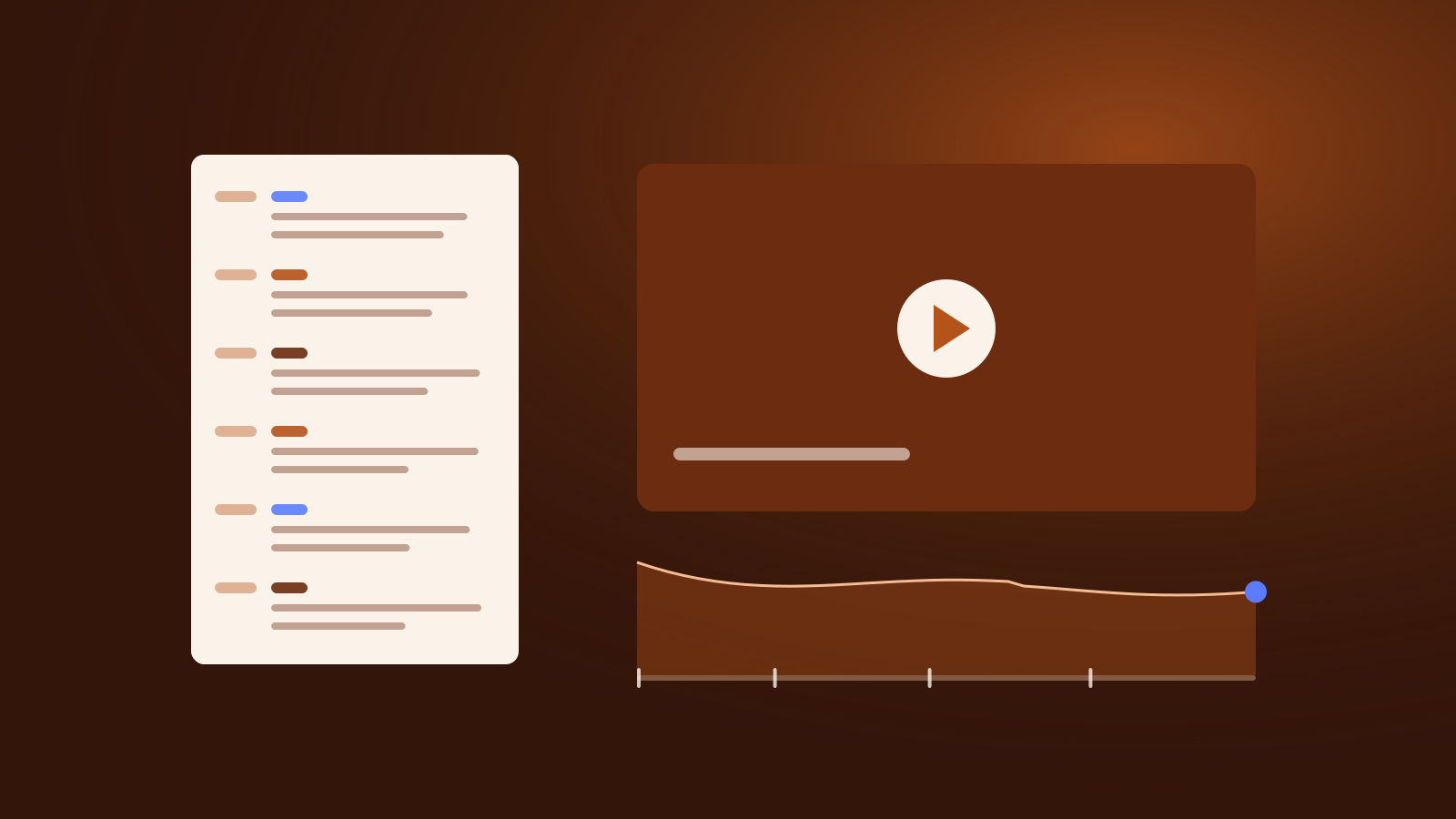
A common failure is a script only the writer understands, so the editor, voice artist and designer each guess. The fix is one document with every element on its own labelled line and a timing per section:
- VO: the words spoken, exactly as they should be said.
- VISUAL: the shot, footage or screen recording.
- GFX: on-screen text, charts, name captions and any risk warning.
- SFX: music, sound effects and deliberate pauses.
- NOTE: anything a reviewer must check, such as a claim that needs evidence.
The opening of a hypothetical 90-second explainer for a payments firm might look like this:
SECTION 1: HOOK (00:00 to 00:12)
VO:     Late invoices cost small firms time and cash.
VO:     In ninety seconds: how to get paid in days, not weeks.
VISUAL: Close-up of a phone. Notification: "Invoice paid".
GFX:    Title: Get paid faster
SFX:    Soft chime on the notification.
NOTE:   "Days, not weeks" needs evidence on file before recording.
Timings let the voice artist pace the read and the editor rough out the cut before the voice arrives. Section headings become your chapter list. And with every claim and warning in the document, compliance can sign off before the shoot, not after the cut.
Presenter or voiceover?
There is little rigorous evidence on whether presenters or voiceovers hold viewers better, so this is judgement. Formats vary widely: in Wyzowl’s survey, 51% of video marketers mostly made live action video, 23% animation and 19% screen recordings[1].
A presenter on camera works when the person is the point: a founder explaining a decision, an analyst interpreting a market move. Someone reading stiffly to camera does more harm than no presenter at all, so prepare your spokespeople as you would for a press interview, and let them rehearse the script in their own words. A recorded conversation goes further: one well-planned session can feed a month of clips, articles and posts.
A voiceover-led or “faceless” video works when the subject is visual or procedural: a product walkthrough, a data explainer. It is easier to update and translate, and does not depend on anyone’s diary. If your idea is mostly people talking, ask whether it is really a video podcast; our guide to launching a company podcast that listeners finish covers the different planning.
Whichever you choose, record properly. Sound comes first: a good microphone close to the speaker in a quiet room. Then even light on faces, and at least two camera angles so the editor can cut around a stumble. Viewers notice: in Wyzowl’s survey, 89% of consumers said video quality affects their trust in a brand[1].
Plan for viewers with the sound off
Captions are no longer only for people who cannot hear. An AP-NORC poll of 1,182 US adults in August 2025 found that a third always or often use subtitles when watching TV or films[4]. Among subtitle users, a third said they were in a noisy environment and a quarter cited poor audio or multitasking; younger adults were more likely to cite noise, at 40% against 25% for older adults[4]. The poll covers TV and film, not marketing video, but the habits travel.
Captions are also an accessibility baseline. The W3C’s Web Content Accessibility Guidelines make captions for prerecorded audio in video a Level A requirement, and say captions should identify who is speaking and include meaningful sound effects, not just dialogue[5].
Your script makes this easier: the VO lines are already an accurate transcript, with names, terms and figures spelled correctly. YouTube’s automatic captions are a start, but YouTube warns they can misrepresent speech because of accents or background noise, tells creators to always review them and encourages professional captions first[6]. Build the caption file from the final script and check it against the edit.
Then write for silence. If a key point exists only in the voiceover, a sound-off viewer misses it, so put the promise, the main numbers and the call to action on screen as GFX lines.
Metadata: titles, descriptions, tags and chapters
End the script with a metadata block, written alongside the words, not at upload.
Title and description. YouTube advises using the first few lines of the description to describe the video, because that is what viewers see before clicking “Show more”. Each description should be unique, can run to 5,000 characters and should feature one or two main words that also appear in the title[7]. Search terms are matched against the description text[7]. Write the title as the promise from your hook.
Tags. YouTube says tags “play a minimal role” in discovery and are mainly useful when your content is commonly misspelled; the title, thumbnail and description matter more[8].
Chapters. Your section timings become chapters. YouTube’s rules are specific: the first timestamp must be 00:00, you need at least three timestamps in ascending order, and each chapter must be at least 10 seconds long[9]. Add the list to the description.
Text matters beyond YouTube. A clear description and a checked transcript give search engines and AI assistants something they can read, which is part of how AI answer engines decide which sources to cite. If the video supports an announcement, publish it alongside a release written for the same audience: see how to write a press release that journalists and AI assistants pick up.
Disclosure and regulated products
Paid relationships. If a video includes a paid product placement, sponsorship or endorsement, YouTube requires you to tick the paid promotion box in the video details, and it then shows viewers a disclosure message for 10 seconds at the start[10]. YouTube is clear that creators and brands remain responsible for meeting local legal disclosure obligations[10]. If a partner is involved, say so in the script, not only in a settings box.
Financial promotions. In the UK, the FCA’s guidance on financial promotions on social media says its rules are technology neutral, that each promotion must comply on its own, and that promotions should give a balanced view of benefits and risks[11]. For long-form video such as YouTube, it expects the risk warning to be displayed clearly and prominently on screen for the section that communicates the promotion; a warning shown only at the end falls short[11]. For short-form video, the warning should stay on screen throughout; one placed only in the caption does not meet its expectations[11]. In the EU, MiFID II requires all information that investment firms address to clients or potential clients, including marketing communications, to be fair, clear and not misleading, and marketing communications to be clearly identifiable as such[12].
In script terms: give the risk warning its own GFX line, timed to run with the promotional section, and give benefits and risks comparable weight in the VO. This is not legal advice; compliance should sign off the script and the final cut.
Checklist before you record
- Write the promise in one sentence. Make the title, thumbnail and first 30 seconds say the same thing.
- Split the body into one-point sections, each with a timing, ending in a payoff and a single call to action.
- Read it aloud with a stopwatch. Cut words until it fits with room to breathe.
- Put VO, VISUAL, GFX, SFX and NOTE on separate labelled lines.
- Put every key point and figure on screen for sound-off viewers.
- Flag every claim that needs evidence and every place a disclosure or risk warning must appear.
- Choose presenter or voiceover deliberately, rehearse the presenter and secure good sound before cameras.
- Build the caption file from the final script and check it against the edit.
- Draft the title, the first lines of the description and the chapter list: from 00:00, at least three, each 10 seconds or more.
- After publishing, check the intro figure and dips in YouTube Studio, and fix the next script, not just the next edit.
Put it into practice
Want help writing video scripts people finish?
Leave your details and we will get in touch to talk it through.
Sources 12
- Video Marketing Statistics 2026Wyzowl
- Measure key moments for audience retentionYouTube Help
- Subtitle Guidelines, version 1.2.5BBC
- Closed captioning on? It's a generational thingThe Associated Press-NORC Center for Public Affairs Research, 2025-09-27
- Understanding Success Criterion 1.2.2: Captions (Prerecorded)W3C Web Accessibility Initiative
- Use automatic captioningYouTube Help
- Tips for video descriptionsYouTube Help
- Add tags to your YouTube videosYouTube Help
- Video chaptersYouTube Help
- Add paid product placements, sponsorships and endorsementsYouTube Help
- FG24/1: Finalised guidance on financial promotions on social mediaFinancial Conduct Authority, 2024-03-26
- MiFID II (Directive 2014/65/EU), Article 24: General principles and information to clientsEuropean Securities and Markets Authority, Interactive Single Rulebook, 2014-05-15
About the authors
 Co-authorSavvas AgathangelouEditor-in-Chief, Business & Economy Media Executive, Trust and Reputation Specialist
Savvas Agathangelou is a business and economy media executive and a trust and reputation specialist. He helps companies earn trust where it is now decided: with their audiences and with Google, ChatGPT, Claude and the other AI systems that increasingly describe them, starting from what a company can prove and how that evidence is published. He founded Cyprus Business Review, co-founded The Luxury Playbook and advised on Google Ads and communications on behalf of Google EMEA. A speaker at the Cyprus Diaspora Forum and a CYDIA Awards 2026 nominee in Marketing and Media, he is editor-in-chief of the Unita Media blog.
 Co-authorChrysanthos AgathangelouMarketing Specialist, Media, PR, AI Visibility and Strategy
Chrysanthos Agathangelou is Unita Media's marketing specialist for media, PR, AI visibility and strategy: the work of making a business easy to find, easy to quote and easy to trust. He came to it from performance marketing and analytics, where every campaign is judged on results, and brings the same discipline to reputation: a clear objective, the right placements and the numbers to show what worked. He has worked with brands across Cyprus and with trading and AI companies internationally, and co-writes Unita Media's practical guides on press, spokespeople, podcasts, video and visibility in AI search.
 Published by Unita Media
The platforms named in this article are part of the Unita Media group, and we built their websites.
For information only, not legal, financial or investment advice. Spotted something out of date? Tell us and we will correct it.