How to build a website that earns trust at first glance
Clients judge your website in moments, then look for the people and the business behind it. Here is what to put in place, and in what order.
Key takeaways
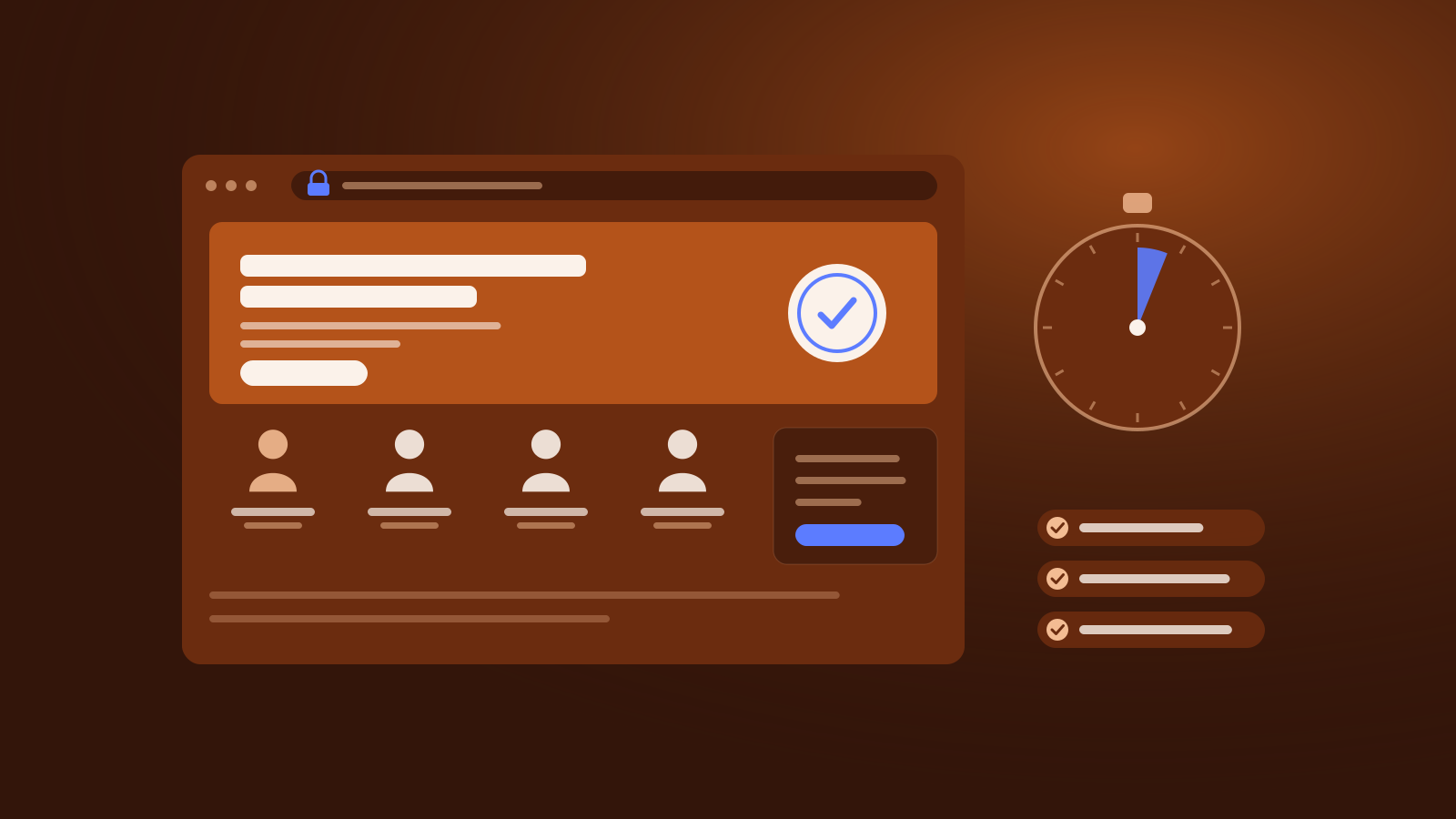
- People judge how a site looks in a fraction of a second, and design is what they mention most when they say whether a site is credible.
- Next they look for who is behind it: real people with credentials, a physical address, the regulator or professional body, and a way to reach a person.
- Speed, accessibility and security are trust signals too, and most websites, home pages especially, still fall short on them.
- Make yourself easy to check: link to independent evidence, be honest about reviews, and make refusing cookies as easy as accepting them.
Before a client calls a law firm, an accountant or a broker, they look at its website, and the verdict on how it looks arrives almost at once. In studies published in 2006, Gitte Lindgaard and colleagues at Carleton University showed people web home pages for half a second and then for 50 milliseconds, and found that their ratings of visual appeal were highly correlated between the two. “Visual appeal can be assessed within 50 ms,” they concluded[1].
That is a judgement of looks, not of trust, but looks are where trust starts. When 2,684 people compared live websites and wrote down what made one more credible than the other, the “design look” of the site came up in 46.1 percent of their comments, more than anything else[2].
The first glance only earns a second look. Next, visitors check whether there is a real business with real people behind the site, and whether anyone else vouches for it. This guide sets out what to put in place for each, in the order a client meets it.
What visitors judge, in order
- How it looks. Stanford’s web credibility guidelines put it plainly: “people quickly evaluate a site by visual design alone,” and “the visual design should match the site’s purpose”[3].
- Who is behind it. In usability research by Nielsen Norman Group, “when sites omitted basic information, they were almost immediately ruled out of consideration in favor of more upfront sites”[4].
- Who else vouches for it. The same research found that “people trust testimonials from external sites more than those listed on the website itself,” and that a site that cannot be found anywhere else “appears to either have something to hide or not be a fully established, stable company”[4].
Visitors are getting harder to convince. In Nielsen Norman Group’s research on About Us pages, which observed more than 70 users across three studies, participants in the latest round were “more skeptical than in the past” and “see right through complex corporate speak, jargon, and stock photography”[5]. Both studies were qualitative, and Nielsen Norman Group sells user experience research and training, so read them as patterns seen in testing rather than as statistics.
The method, in nine steps
1. Say what you do, and for whom, on the first screen
The first screen should answer three questions in plain words: what the firm does, for whom, and what the visitor can do next. One clear action is enough. A hypothetical accounting firm does better with “Accounting and tax for owner-managed companies in Cyprus” and a “Book a call” button than with a slogan about excellence.
Give before you ask. Nielsen Norman Group found that “asking for information before providing any value is a breach of trust”[4]. A form that pops up on arrival, a brochure behind an email gate or a newsletter prompt before the visitor has read a word all work against you. If what you sell is complex, our guide on how to explain financial products in plain language customers trust covers the writing.
2. Show the people behind the firm
Name the people clients will deal with, with real photographs and their credentials. Stanford’s guidelines tell site owners to “highlight the expertise in your organization” and to “be sure to give their credentials”[3]. Nielsen Norman Group’s participants “liked to see photos of real employees and products”[5]; stock images of smiling strangers suggest the opposite.
Never invent them. Google’s guidance on helpful content says “fabricating creator profiles (such as by using AI-generated headshots, made-up names, or false credentials to make content appear as if it was written by human experts) is a form of deception”[6]. One of the questions it asks site owners is whether their content gives “background about the author or the site that publishes it, such as through links to an author page or a site’s About page”[6].
3. Make it easy to reach a person
“A simple way to boost your site’s credibility is by making your contact information clear: phone number, physical address, and email address,” say Stanford’s guidelines[3]. Put all three on every page, not only behind a contact form. On a phone, a number should start a call when tapped and an address should open a map.
For firms that handle money, contact details carry extra weight. Google’s guidelines for its search quality raters, the people who assess the quality of search results, say “contact information and customer service information are extremely important for websites that handle money, such as stores, banks, credit card companies, etc.”[7]. Google says raters “have no control over how pages rank”[6], but the guidelines show what it treats as trustworthy.
4. Publish the details the law requires, where clients look
In the EU, the E-Commerce Directive already sets a minimum. A service provider must make “easily, directly and permanently accessible” its name, its geographic address, an email address, its trade register and registration number, its VAT number, the supervisory authority if its activity needs authorisation, and, for regulated professions, its professional body, its professional title and “a reference to the applicable professional rules”[8]. Law firms, accountants and financial firms most often leave out that last group.
Regulated firms should expect clients to check those details. Trading Trust Index, a Unita Media platform, tells traders that a licence number on a broker’s website “is a claim, not proof” until it has been matched on the regulator’s own register, and to “compare the legal name, the registered address, the phone number and the website address”[9]. Make everything a client will compare identical to the register: the legal entity’s full name, the licence number, the registered address and the domain.
5. Make it fast and stable, starting with the home page
Speed is part of the first impression. Google’s targets are for the main content of a page to load within 2.5 seconds, for the page to respond to a tap or click in under 200 milliseconds, and for its layout shift score to stay below 0.1[10].
Most websites still miss them, and the page clients see first does worst. In the HTTP Archive’s 2025 Web Almanac, 48% of mobile websites had good Core Web Vitals, but only 45% of mobile home pages did, against 56% of inner pages[11]. Home pages “tend to include more dynamic and varied components”, the authors note[11]: sliders, videos, chat widgets and pop-ups. Keep only what earns its place. Our guide to rebuilding your website without losing search traffic or trust covers speed in more detail.
6. Make it usable by everyone
A site that some visitors cannot read or use loses their trust before it starts. Basic failures are common: in the 2025 Web Almanac’s automated tests, only about three in ten sites had sufficient colour contrast, and “50% of images on the web have empty or inadequate alt text”[12].
For some firms it is also the law. Since 28 June 2025, the European Accessibility Act has applied to services provided to consumers that include e-commerce and consumer banking services, a definition that covers credit agreements, payment services, electronic money and investment services such as executing orders, portfolio management and investment advice[13]. “Microenterprises providing services”, those with fewer than 10 staff and turnover or a balance sheet of no more than €2 million, are exempt[13]. A law firm’s brochure site may fall outside the Act; a bank’s or investment firm’s online services for retail clients are likely to be covered. Ask your adviser where you stand.
The standard most organisations work to is WCAG 2.2[14]. Two of its newer requirements matter on a first visit. When an element receives keyboard focus, it must not be “entirely hidden due to author-created content”, which rules out a cookie banner or sticky header that covers the link a visitor has just reached. And under Consistent Help, contact details and other help that repeat across pages should “occur in the same order relative to other page content”[14], so a visitor finds the phone number where they found it last time.
7. Let visitors check you somewhere else
Visitors trust what others say about you more than what you say about yourself[4], so link out to the evidence: your entry on the regulator’s or professional body’s register, independent coverage, directory profiles and the awarding body’s page for any award you mention. A site that links to nothing outside itself looks as if it has something to hide.
Be honest about reviews. For firms that serve consumers, EU consumer law treats as material information “whether and how the trader ensures that the published reviews originate from consumers who have actually used or purchased the product”, bans submitting or commissioning fake reviews outright, and says traders should be prohibited from “manipulating consumer reviews and endorsements, such as publishing only positive reviews and deleting the negative ones”[15]. Our guide to what regulators and search engines now expect as proof of trust goes further.
8. Ask for cookie consent the honest way
A cookie banner is often the first thing a visitor touches. In 2023, a taskforce of European data protection authorities reported that “a vast majority of authorities” considered a banner with no option to refuse, on any layer that has a consent button, to be an infringement, and that pre-ticked boxes “do not lead to valid consent”[16]. The report sets out common positions, not binding rules, and each banner is judged case by case. France’s regulator, the CNIL, put the principle in a headline: “Refusing cookies should be as easy as accepting them”[17].
Put “Reject all” next to “Accept all”, with the same weight, and set no tracking cookies before the visitor chooses. A banner that pushes people towards yes tells them how you will treat their data before they have read a word about your services.
9. Keep it secure, current and free of errors
HTTPS is now the baseline. In the 2025 Web Almanac, 97.3% of mobile home pages were served over HTTPS[18], and in October 2025 Google announced that Chrome would start asking users’ permission “before the first access to any public site without HTTPS”[19]. A site without it looks neglected before it looks like anything else.
Small errors cost more than they seem to. “Typographical errors and broken links hurt a site’s credibility more than most people imagine,” say Stanford’s guidelines, which also advise updating content often, or “at least show it’s been reviewed recently”[3]. Nielsen Norman Group found the same: mistakes “communicate an overall lack of attention to detail”[4]. Date your articles, check your links on a schedule, and take down the news page whose last post is years old.
A checklist for your website
- A first screen that says what you do, for whom, and what to do next.
- No forms or pop-ups before the visitor has read anything.
- Named people with real photographs and credentials, and an About page.
- Phone number, email and physical address on every page, with tap-to-call on phones.
- Legal name, registered address, register and registration number, and VAT number.
- For regulated firms: regulator, licence number and domain identical to the register, and linked to it.
- For regulated professions: professional body, title and where to find the professional rules.
- A home page that passes Core Web Vitals on mobile, not only the inner pages.
- Colour contrast and alt text checked, and keyboard focus never hidden.
- Contact details and help in the same place on every page.
- Links to independent evidence: register entries, coverage and directory profiles.
- Reviews: say whether and how they are checked, and never delete the negative ones.
- “Reject all” as easy as “Accept all”, and no tracking before consent.
- HTTPS everywhere, dated content and no broken links.
Put it into practice
Want help building a website your clients trust?
Leave your details and we will get in touch to talk it through.
Sources 19
- Attention web designers: You have 50 milliseconds to make a good first impression!Behaviour & Information Technology (Taylor & Francis), 2006-01-03
- How Do People Evaluate a Web Site's Credibility?Consumer Reports Advocacy (Consumer WebWatch and Stanford Persuasive Technology Lab), 2002-10-29
- Stanford Guidelines for Web CredibilityStanford Persuasive Technology Lab, 2002-05
- Trustworthiness in Web Design: 4 Credibility FactorsNielsen Norman Group, 2016-05-08
- 'About Us' Information on Corporate WebsitesNielsen Norman Group, 2019-05-26
- Creating helpful, reliable, people-first contentGoogle Search Central, 2026-10-05
- Search Quality Rater Guidelines (General Guidelines)Google, 2025-09-11
- Directive 2000/31/EC on certain legal aspects of information society services, in particular electronic commerce (Directive on electronic commerce)European Union, EUR-Lex, 2000-06-08
- How to check a broker's regulatory claimTrading Trust Index, 2026-10-04
- Understanding Core Web Vitals and Google search resultsGoogle Search Central, 2025-12-10
- Performance: Web Almanac 2025HTTP Archive, 2026-01-15
- Accessibility: Web Almanac 2025HTTP Archive, 2026-01-15
- Directive (EU) 2019/882 on the accessibility requirements for products and services (European Accessibility Act)European Union, EUR-Lex, 2019-04-17
- Web Content Accessibility Guidelines (WCAG) 2.2W3C, 2024-12-12
- Directive (EU) 2019/2161 as regards the better enforcement and modernisation of Union consumer protection rulesEuropean Union, EUR-Lex, 2019-11-27
- Report of the work undertaken by the Cookie Banner TaskforceEuropean Data Protection Board, 2023-01-17
- Refusing cookies should be as easy as accepting them: the CNIL continues its action and issues new ordersCNIL, 2021-12-14
- Security: Web Almanac 2025HTTP Archive, 2026-01-15
- HTTPS by defaultGoogle, Chrome Security Team, 2025-10-28
About the authors
 Co-authorSavvas AgathangelouEditor-in-Chief, Business & Economy Media Executive, Trust and Reputation Specialist
Savvas Agathangelou is a business and economy media executive and a trust and reputation specialist. He helps companies earn trust where it is now decided: with their audiences and with Google, ChatGPT, Claude and the other AI systems that increasingly describe them, starting from what a company can prove and how that evidence is published. He founded Cyprus Business Review, co-founded The Luxury Playbook and advised on Google Ads and communications on behalf of Google EMEA. A speaker at the Cyprus Diaspora Forum and a CYDIA Awards 2026 nominee in Marketing and Media, he is editor-in-chief of the Unita Media blog.
 Co-authorChrysanthos AgathangelouMarketing Specialist, Media, PR, AI Visibility and Strategy
Chrysanthos Agathangelou is Unita Media's marketing specialist for media, PR, AI visibility and strategy: the work of making a business easy to find, easy to quote and easy to trust. He came to it from performance marketing and analytics, where every campaign is judged on results, and brings the same discipline to reputation: a clear objective, the right placements and the numbers to show what worked. He has worked with brands across Cyprus and with trading and AI companies internationally, and co-writes Unita Media's practical guides on press, spokespeople, podcasts, video and visibility in AI search.
 Published by Unita Media
The platforms named in this article are part of the Unita Media group, and we built their websites.
For information only, not legal, financial or investment advice. Spotted something out of date? Tell us and we will correct it.